Graffiti Tower Defense
Production Details:
- Game Engine: Custom C++ Engine
- Team Size: 5 developers
- Timeline: Febuary 2021 - May 2021
- Platform: Windows 10
Tools:
- Compiler: Microsoft Visual Studio 2019
- Version Control: Tortoise Git
- Modeling/Texturing: Blender & Photoshop
About:
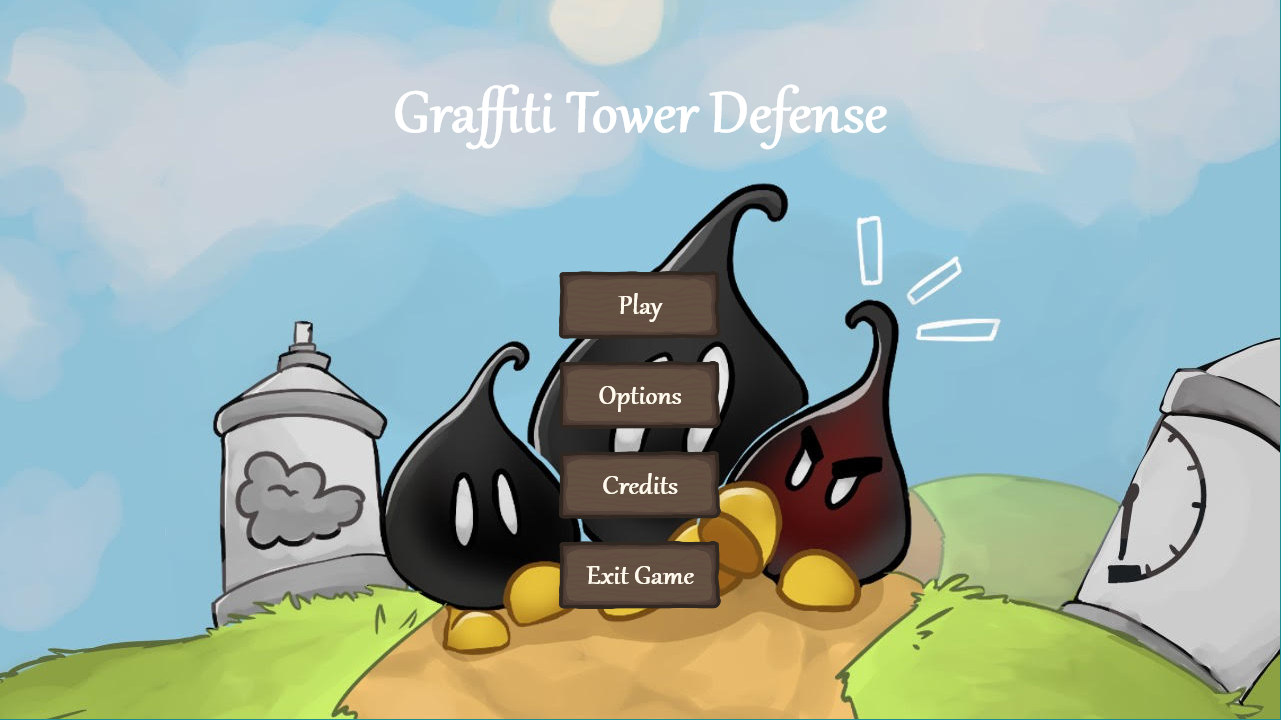
Graffiti Tower Defense is a 3D tower defense game built with a custom C++ engine. Waves of enemy paint drops walk down a path towards your wall of art that you must defend! This game features over 10 different towers, 3 enemy types, and 5 levels. This game was made as a final project for Full Sail University.Gameplay:
Personal Contributions:
Text implementation with DirectWrite
 For rendering text on the screen, I decided to utilize DirectWrite, a text layout rendering API by Microsoft.
To draw the text onto the raster target, I used Direct2D and drew on the same backbuffer as the 3D rendered objects.
I created a Text class that allows the changing of the font, font size, text color, and text style at runtime.
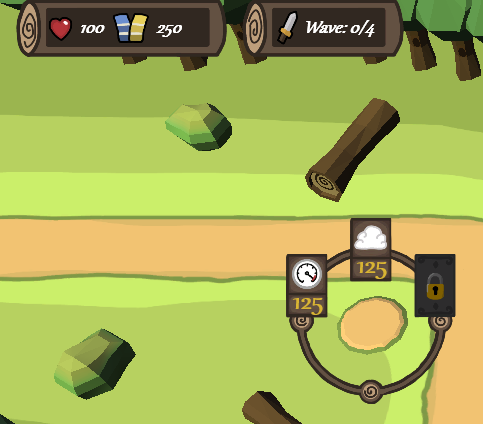
The picture to the right showcases the HUD, which is something I created with use of my text class and it showcases
text being rendering which updates during the game. One of the most important features of this text API is that the
font size can be changed to any size at compile/runtime.
For rendering text on the screen, I decided to utilize DirectWrite, a text layout rendering API by Microsoft.
To draw the text onto the raster target, I used Direct2D and drew on the same backbuffer as the 3D rendered objects.
I created a Text class that allows the changing of the font, font size, text color, and text style at runtime.
The picture to the right showcases the HUD, which is something I created with use of my text class and it showcases
text being rendering which updates during the game. One of the most important features of this text API is that the
font size can be changed to any size at compile/runtime.
Highlights:
- Customizable font, color, and text style
- Renders text onto same backbuffer as 3D rendered objects
- Vector graphics API allows any font size at compile/runtime
GameObject system
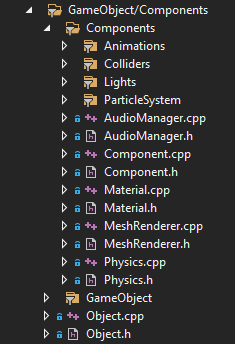 Each object in the game is a "GameObject" with multiple components. I built this system,
which follows Unity's GameObject system closely, to control how objects are rendered and how
the general game loop is ran. Each object can have multiple components
such as Animator, MeshRenderer, Collider, Material, and Lights. When GameObjects get deleted,
they delete all dynamic memory they have and get removed from a GameObject hierarchy. I personally
created many of the components like the Animator, MeshRenderer, PointLight, DirectionalLight, and Material.
Each object in the game is a "GameObject" with multiple components. I built this system,
which follows Unity's GameObject system closely, to control how objects are rendered and how
the general game loop is ran. Each object can have multiple components
such as Animator, MeshRenderer, Collider, Material, and Lights. When GameObjects get deleted,
they delete all dynamic memory they have and get removed from a GameObject hierarchy. I personally
created many of the components like the Animator, MeshRenderer, PointLight, DirectionalLight, and Material.
3D meshes, textures, animations, and sprites
Lighting